Review by Johanna Egar
I have long had a soft spot for robot vacuum cleaners. And not just because they make vacuuming under beds a breeze. A job that strains the back.
The Ecovacs Deebot T80S Omni is the third robot I have tested and every new generation sees improvements. In this case, it’s the app especially. The smooth connection of the robot to Ecovacs online proved an unexpected delight. So, hats off to Dennis 2 - I christened him this because, well, men do (should) clean as well. Also, he is my second Dennis.
This is how Dennis 2’s test drive went:
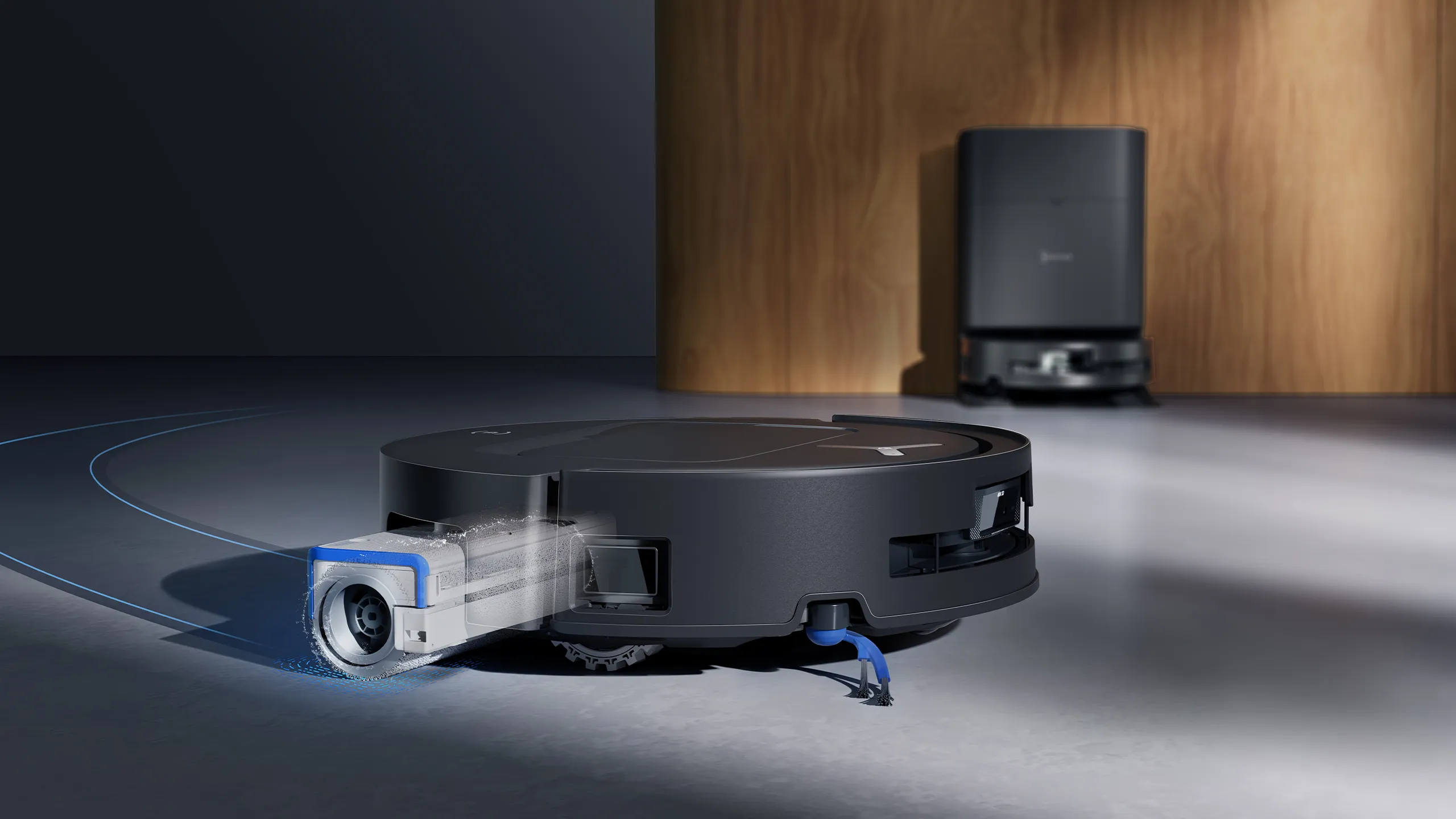
Opening the box, I found Dennis 2 to be a lot heavier than Dennis 1. The wall-unit docking station is much bigger too, but it does feature a dustbin and two water containers. These fill and then empty the robot’s internal mop bucket. Meanwhile, the dustbin automatically empties the dust collected from the robot when it returns to the docking station.
Connecting to the Ecovacs app is relatively straightforward. It connected to the website smoothly. However, I didn’t like the permissions request to “track your activity across other companies and app websites”. Cheeky. Obviously, I declined. Otherwise, connecting to my home WiFi, via Bluetooth, was smooth as silk.
Mapping
I let Dennis 2 charge (3.5 hours) before creating my main map. This Deebot robot is a multi-floor model. I also filled the wall unit water tank with plain water as I wasn’t provided with Ecovacs’ custom cleaning fluid. I don’t like this as it could prove expensive and it isn’t easy to get either. It’s not stocked in supermarkets. However, Dennis, who mops as well as vacuums, did a fine job on my moderately dirty wood look floorboards with just plain water. The floor dried quickly too, which was appreciated as the “wood” can swell if it stays wet too long.
Now, the mapping: this proved straightforward and was achieved via the Bluetooth-enabled app. Dennis even stopped at the edge of our French doors. As these lead to a leaf-strewn deck I was happy he didn’t venture out there.
I put Dennis on “clean and mop”. You can select just clean, that is vacuum-only. Then I realised I should have chosen to vacuum only first as I had left the floor a little dirty to give Dennis a challenge and he didn’t pick up everything, but it was a “quick clean’”. You can also select for longer clean.
On-ramp issues
Then we hit a small problem: the on-ramp tray. It pulled away when Dennis tried to dock post-work. I had to manually dock him, which confused the app, but we got sorted eventually. The ramp slots are a tad flimsy and could do with an upgrade.
Once docked, I selected ‘wash mop’ on the app and got another surprise: washing and drying the mop takes two to four hours depending on what you select. This makes sense, but I wonder about electricity use in these power-cost-challenged days. However, I did like the little green battery icon on the app that lets you know how much power your robot has stored. Dennis also powered up at the same time as his mop was being automatically cleaned and dried. This is a hateful manual job, so is an excellent feature overall.
More than one floor?
Now for the multi-floor challenge. Adding the second map via the app was straightforward. I then chose “clean-only” and, boy, did those under-bed dust bunnies get a fright. Magic.
Then things got difficult: how do I help Dennis return to the dock given there is a small flight of stairs in his way? Solution: I carried him. I later learned from Reddit commentators that this is what everyone does, although Ecovacs doesn’t make this clear. The app then told me that “after moving the Deebot, re-mapping is recommended”. A clumsy process.
I always thought stairs would be an engineering issue. And so it proved. But the fact that this Deebot is multi-floor - there is a third-floor option too - is a real advance. Stairs will remain a problem and the app doesn’t quite deal with this. But overall, this Deebot is a good product. The biggest pluses for me were that connecting to the app was a smooth process and those dust bunnies. They’re just gone. And Dennis 2 didn’t get stuck in corners, which happened a lot with his older brother.
Update: The latest T80S Pro model can climb stairs. Great news.
Now the price: the Deebot T80S Omni is available in stores for NZ$2,000. A little steep, but this is a complex beast.
