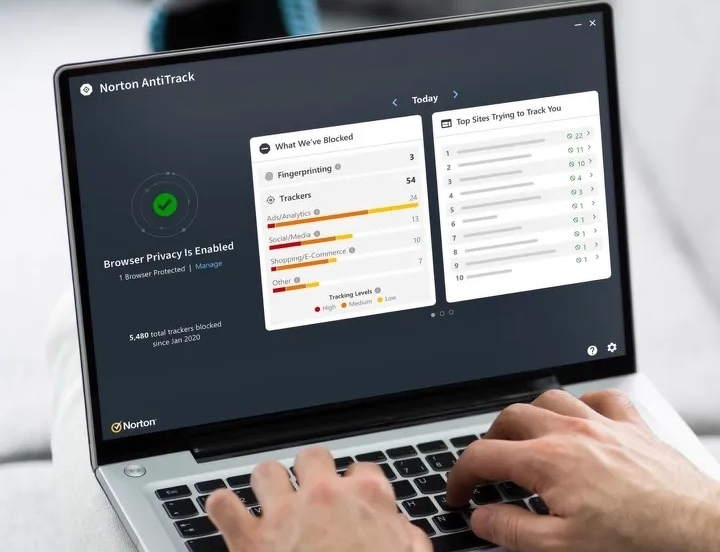
From April 2023: What value do you place on your online privacy? For NZ$65 a year Norton AntiTrack aims to frustrate trackers. How did it do in testing?
Norton AntiTrack is pitched as a way to “take control of your online privacy”. It is not security software in the strict sense, but better privacy can reduce risk.
The idea is simple. Make it harder for companies to track what you do online. AntiTrack does that, although there are cheaper ways to get similar results.
Until recently it was a Windows-only product. This review looks at the Mac version.
Why tracking matters
Everything you do online can be tracked. At the benign end, that data is used to sell you more products. At the darker end, it can be used to influence behaviour, manipulate opinion or enable crime.
AntiTrack aims to make that harder. It won’t make you invisible, but it can stop you being an easy target.
Fingerprinting explained
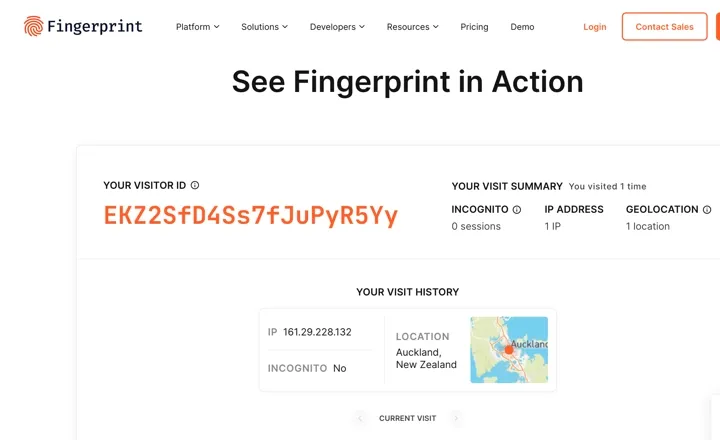
The key technique is browser fingerprinting. When you visit a site, it can collect information about your device and browser.
This includes fonts, screen resolution, browser version, operating system and other details. Individually, these seem harmless. Taken together, they form a unique fingerprint.
That fingerprint can follow you from site to site. Over time, it builds a detailed picture of your online life.
Your online identity
Once a site links that fingerprint to your identity, say when you log in or sign up, the tracking becomes personal.
From there, companies can build extensive profiles. They can predict behaviour, target advertising and, in some cases, influence decisions.
This is why you might search for a product once, then see ads for it everywhere. It is also why privacy tools have become more important.
Does AntiTrack work?
The answer is mixed.
I tested AntiTrack using the Electronic Frontier Foundation’s Cover Your Tracks tool on a MacBook Pro. Without AntiTrack, Safari already offered some protection. My browser fingerprint was unique, but not unusually exposed.
With AntiTrack enabled, the result barely changed. The fingerprint remained just as identifiable.
Tests on AmIUnique and Fingerprint.com told a similar story. In controlled conditions, AntiTrack did little to mask my identity.
In everyday use
Real-world use is more encouraging.
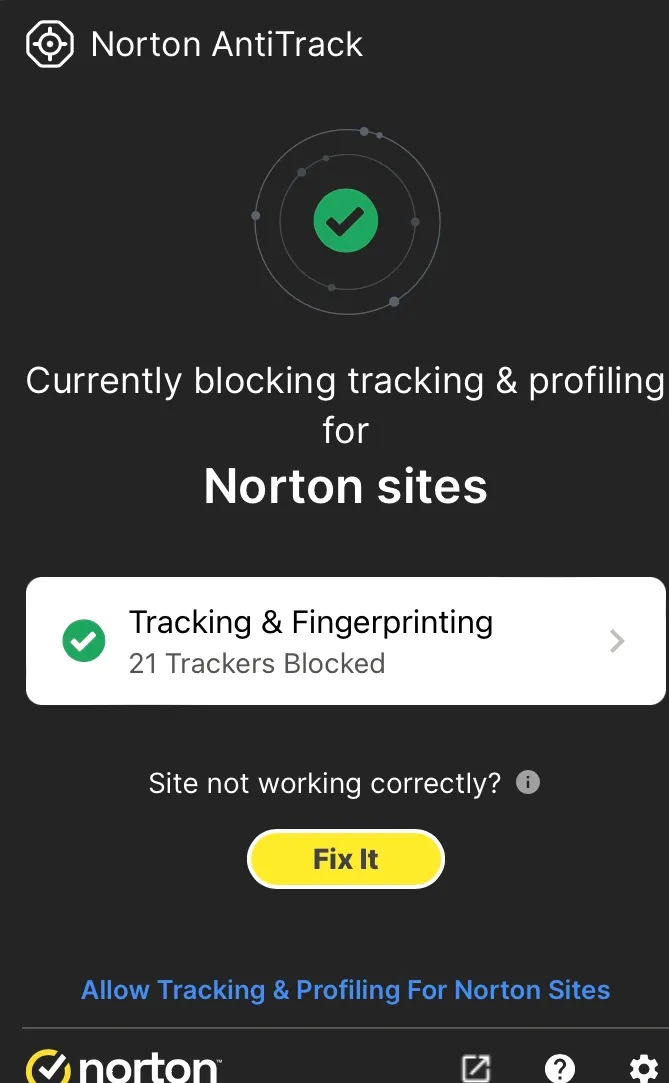
AntiTrack adds an icon to Safari that shows how many trackers it blocks on each page. The numbers can be high. News sites often run dozens of trackers, while even simple sites can have several.
Clicking the icon opens a report showing who is tracking you. The same names appear repeatedly, alongside occasional unknown players.
AntiTrack can also fix pages that break when trackers are blocked. This happens often. Blocking trackers can interfere with site functionality.
In some cases, you may need to allow tracking to get a site working again. AntiTrack then feeds those trackers false data to limit exposure.
Over time, this becomes part of the routine. You notice when something breaks, then decide whether to allow tracking.
The cost of privacy
AntiTrack works best as a compromise. It reduces tracking without completely disrupting your browsing.
There is a cost. The subscription is around NZ$65 a year. There is also the friction of dealing with broken sites.
For some users, that trade-off will be acceptable. For others, it may feel like too much effort for limited gain.
Alternatives
There are other options.
Privacy Badger from the Electronic Frontier Foundation is free, although it does not support Safari. Ghostery is another free tool and performs at a similar level.
Browser choice also matters. Safari offers strong privacy controls out of the box. Firefox goes further in some areas. Chrome and Edge lag behind.
Verdict
Norton AntiTrack does what it promises. It makes tracking harder and gives you more visibility into what is happening behind the scenes.
It does not provide complete protection, especially against fingerprinting. Even so, it raises the bar enough to matter.
Whether that is worth paying for depends on how much you value privacy, and how much inconvenience you are willing to tolerate.
